Three layers of the same line.
The Rig Veda is organized in mandalas, then hymns, then verses. I kept losing the thread when those layers lived in different places. The useful interface, for me, was one screen that could hold the Devanagari, a romanization, and an English rendering together.
I wrote about that build in November 2024: How I Built Rig Veda Explorer. The article is a record of the attempt — corpus, routing, and the awkward parts of putting an old text in a browser — not a claim about live model quality.
Mandala
  → hymn
  → verse
  → Sanskrit, transliteration, translation
A landing you can open. A reader you cannot finish.
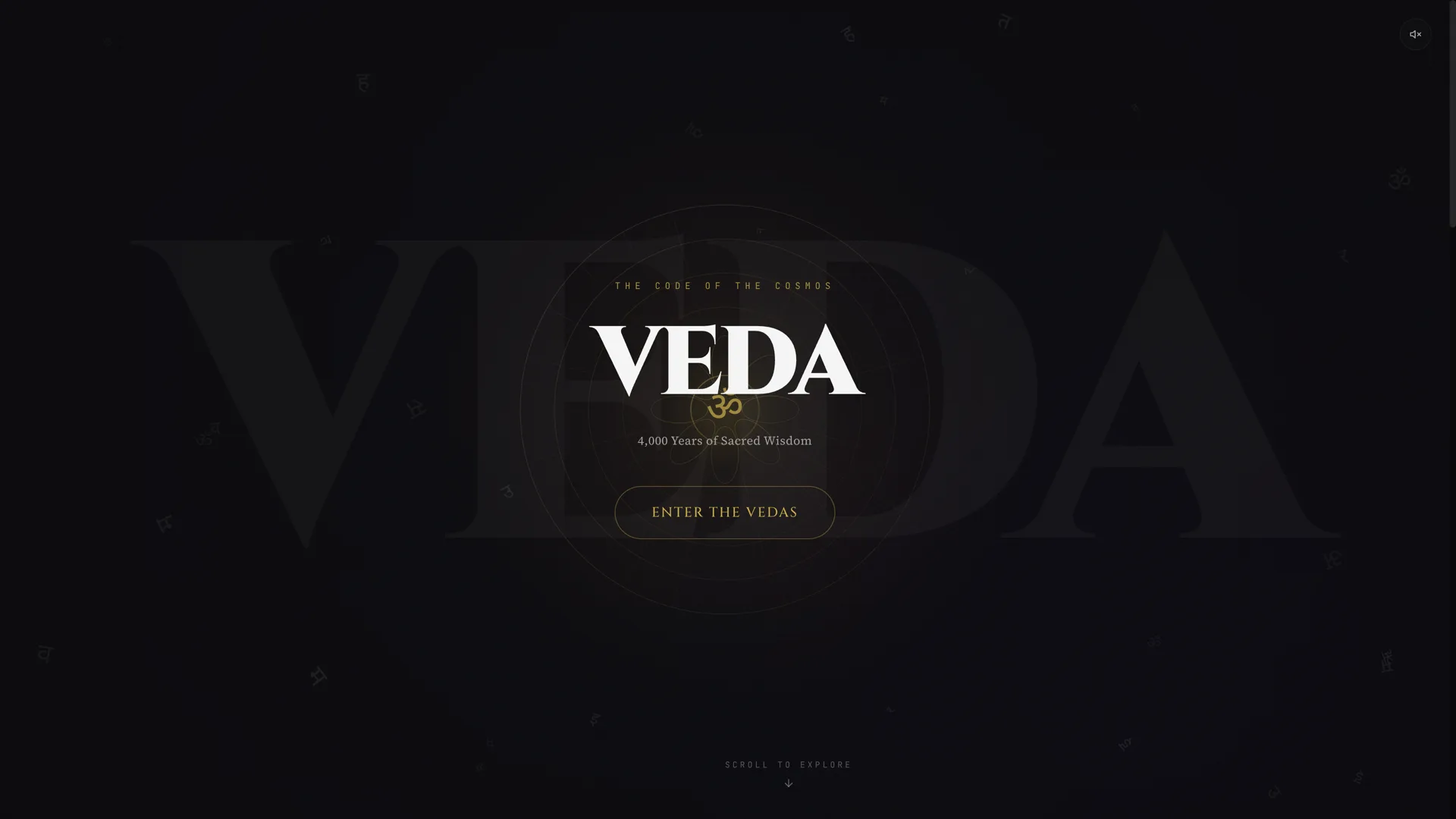
The explorer at veda-explorer.vercel.app still loads. The first screen is a dark constellation titled “VEDA — The Code of the Cosmos,” with a control that says Enter the Vedas. Mandala buttons 01 through 10 are on that page. I clicked Enter the Vedas, and later mandala 01. Both opened /explorer/mandala/1.
The first time, the shell labeled Mandala 1 and reported “0 Hymns in this Book.” No hymn list appeared, and no verse text appeared. A later visit to the same route was a blank dark screen. The public /api path is rewritten to a Railway host that currently returns an unrelated HTML page, not hymn JSON. I did not verify AI endpoints, audio, or search.
There is also a product page at vedam-site.vercel.app. It describes a daily reading practice. Every “Get the app” control I clicked went to #features on the same page. There is no App Store or Play Store link.
A study, with the missing pieces named.
This should be read as a personal study of access and reading, not a downloadable app, a store listing, or a working public reader. A visitor can see the explorer landing and the Vedam marketing page. A visitor cannot, today, open a real hymn, read a verse, or follow Get the app to a store. I am not claiming live translation accuracy, corpus completeness, or an iPhone release.
Local source still exists for both surfaces. The useful next step is to reconnect the explorer to its hymn data, or to stop pointing Get the app at an in-page hash. Until then, the honest artifact is the landing, the article, and this boundary.